Windows 10 Pro Retail key | Digital License
₹16,151.00 Original price was: ₹16,151.00.₹2,499.00Current price is: ₹2,499.00.
Windows 11 Pro OEM key | Digital License
₹16,151.00 Original price was: ₹16,151.00.₹2,499.00Current price is: ₹2,499.00.
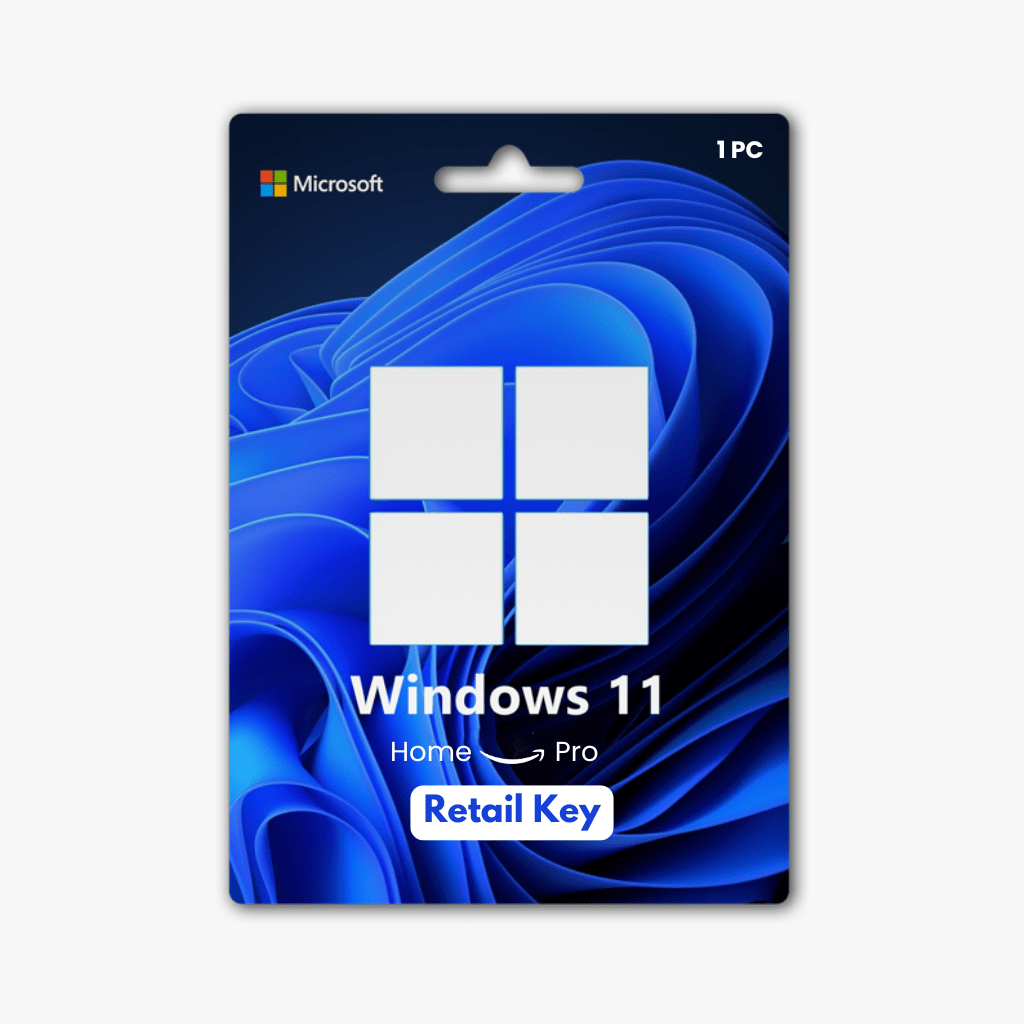
Windows 11 Home to Pro Upgrade Retail key | Digital License
Categories: License Key, Operating System
Brand: Microsoft
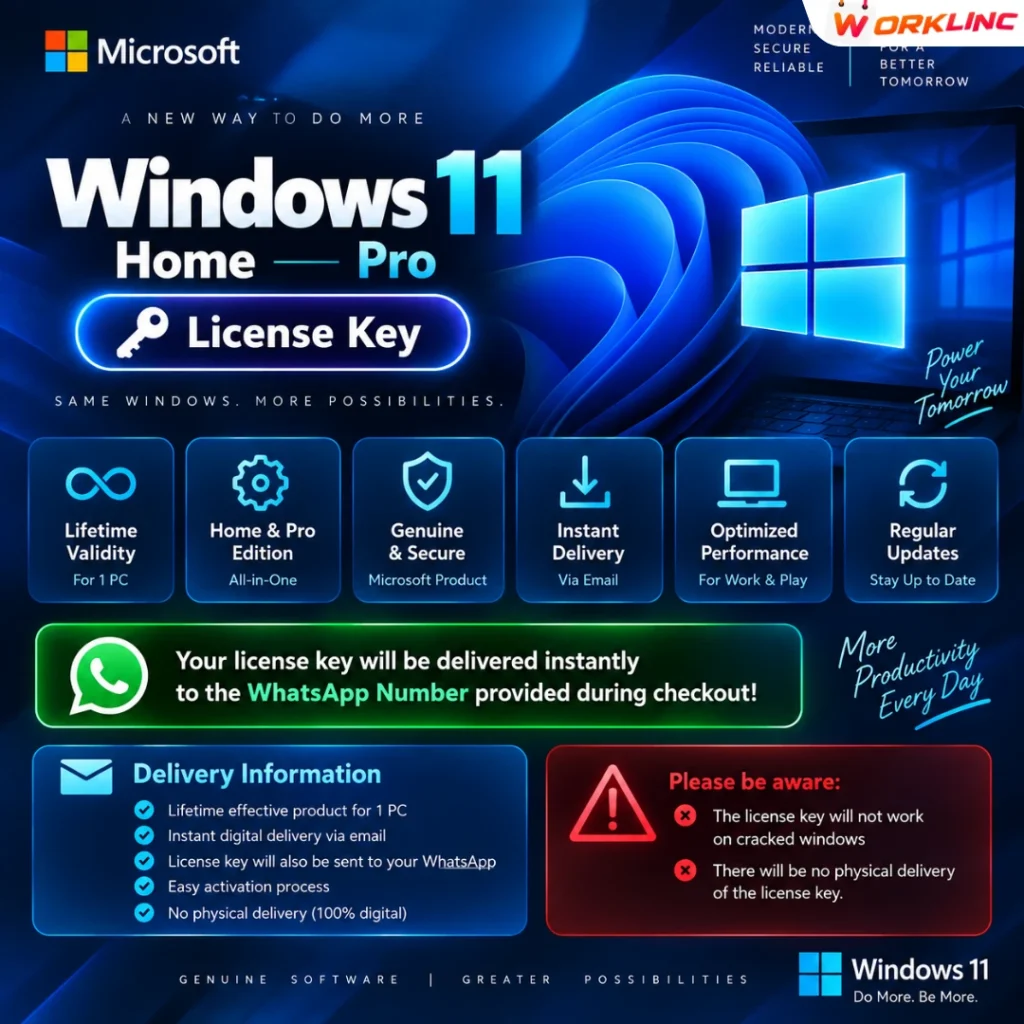
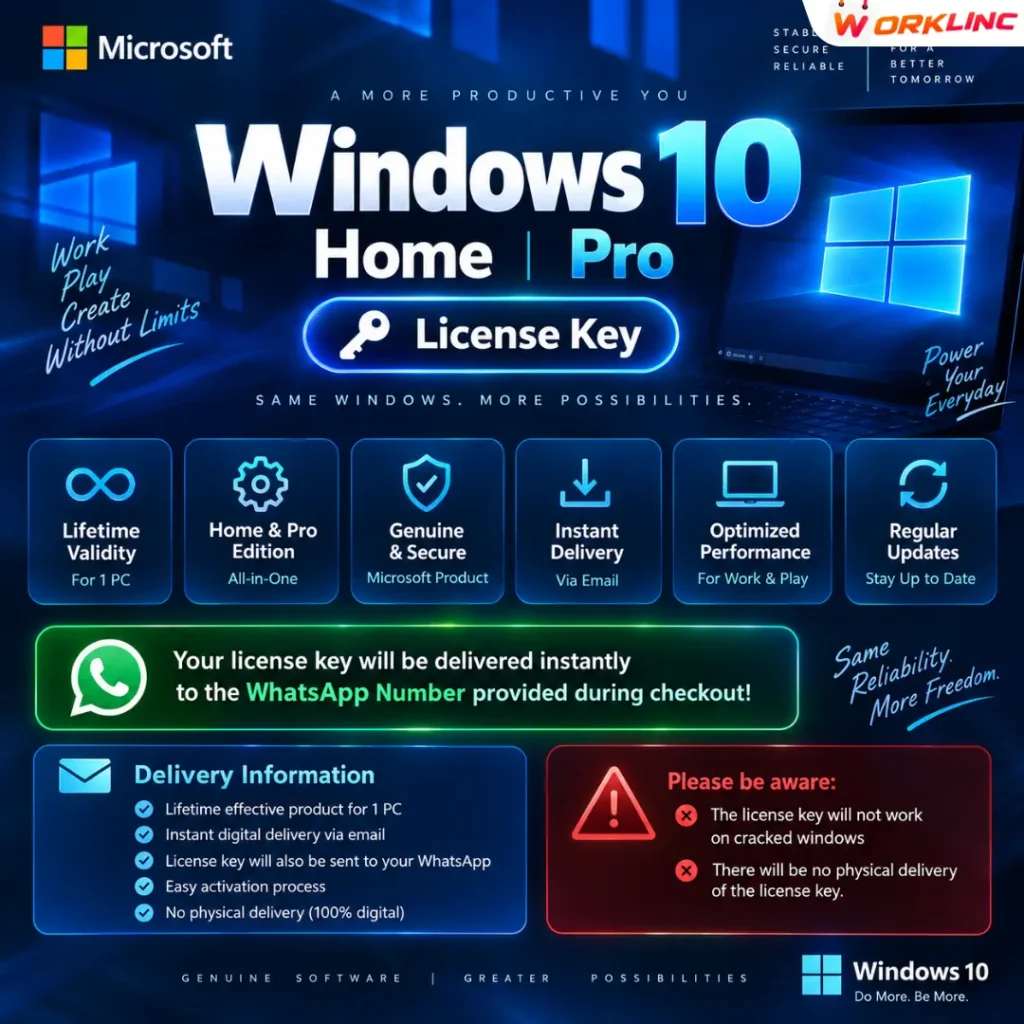
Your license key will be delivered instantly to the WhatsApp Number provided during checkout!
- Lifetime effective product for 1 PC
- Instant digital delivery via email
- Works with Windows 10 Pro/Home too Reverse Compatibility
Please be aware:
- The license key will not work on cracked windows
- There will be no physical delivery of the license key.
₹16,151.00 Original price was: ₹16,151.00.₹2,499.00Current price is: ₹2,499.00.
Difference between Windows 11 Home and Windows 11 Pro:
| Feature | Windows 11 Home | Windows 11 Pro |
|---|---|---|
| Price | Typically more affordable | Generally more expensive |
| BitLocker Encryption | Not available | Available for drive encryption |
| Virtualization Technology | Limited (Hyper-V not included) | Full support for Hyper-V |
| Group Policy | Limited (Local Group Policy) | Full access to Group Policy Editor |
| Remote Desktop | Only as a client | Can host Remote Desktop sessions |
| Assigned Access | Not available | Available for single-app kiosk mode |
| Windows Update for Business | Limited control options | Enhanced control and scheduling |
| Trusted Boot | Not available | Available for added security |
| Domain Join | Homegroup or Workgroup only | Join a domain or Azure Active Directory |
| App Locker | Not available | Policy-based app locker available |
| BitLocker to Go | Not available | Encrypt USB drives |
| Enterprise Mode Internet Explorer | Not available | Supports legacy IE websites |
| Virtual Desktops | Not available | Supports multiple virtual desktops |
How To Upgrade Windows 11 Home to Windows 11 Pro:
- Check System Requirements: Ensure that your computer meets the system requirements for Windows 11 Pro. Check for compatibility with your device to make sure it can run Windows 11 Pro.
- Backup Important Data: As with any major system upgrade, it’s a good practice to back up your important data before proceeding with the upgrade.
- Purchase a Windows 11 Pro License: You will need a valid Windows 11 Pro product key to perform the upgrade.
- Open Settings: Go to your Windows 11 Home computer and click on the “Start” button, then select “Settings” (the gear-shaped icon).
- Navigate to System: In the Settings window, click on “System.”
- Select About: On the left sidebar, select “About.”
- Change Product Key: Scroll down to the “Windows specifications” section and click on “Change product key or upgrade your edition of Windows.”
- Enter Product Key: Enter the Windows 11 Pro product key that you purchased and click “Next.”
- Upgrade Process: Follow the on-screen instructions to complete the upgrade. This process may take some time, and your computer will restart during the installation.
- Activation: Once the upgrade is complete, your computer will now be running Windows 11 Pro. You can verify this by going to “Settings” > “System” > “About.”
- Reinstall Applications: Some applications or drivers may need to be reinstalled or updated after the upgrade, so ensure that you have the latest versions.
Specification
Overview
Customer Reviews
You may also like
Select options
This product has multiple variants. The options may be chosen on the product page
Select options
This product has multiple variants. The options may be chosen on the product page